
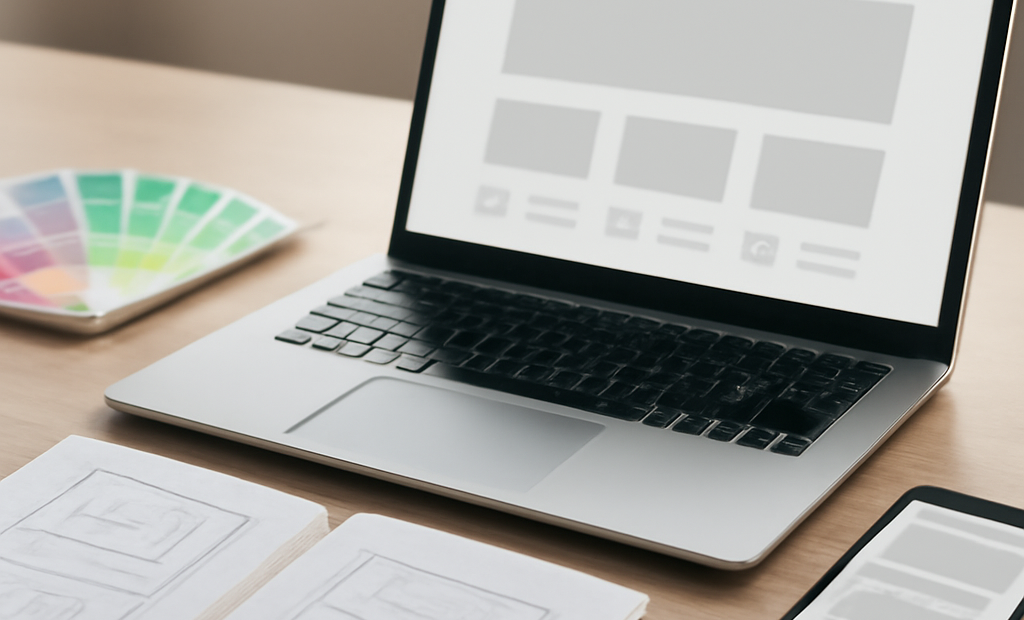
What Is UI Design?
UI design stands for user interface design. It is the process of designing the parts of a website or app that people see, tap, click, and interact with. If a website is the digital space, the UI is the layout, buttons, menus, forms, colors, and visual elements that guide visitors through that space.
For website owners, UI design is not just about making a site look attractive. It is about helping people understand what to do next. A good interface makes navigation easier, builds trust, and reduces frustration. A poor interface can confuse visitors, increase bounce rates, and stop people from completing actions such as buying a product, booking a service, or filling out a form.
In simple terms, UI design helps answer one important question: How easy is it for a visitor to use your website?
UI Design vs. UX Design
UI design is often mentioned together with UX design, but they are not the same thing.
- UI design focuses on the visual and interactive parts of a product.
- UX design focuses on the overall experience a person has while using it.
For example, if a visitor can easily find the “Contact Us” button, that is a UI success. If the entire process of finding the right information, reading it, and taking action feels smooth and logical, that is a UX success.
Think of UX as the journey and UI as the map, signs, doors, and controls that help people move through that journey. Both matter, but when beginners start improving a website, UI changes are often the most visible and immediate.
Why UI Design Matters for Website Owners
Your website often creates the first impression of your brand. Visitors may decide within seconds whether they trust you, understand your offer, and want to stay. Strong UI design supports that decision in your favor.
It improves clarity
Good UI makes it obvious where visitors should look and what they should do. Clear buttons, readable text, and simple navigation reduce confusion.
It increases conversions
Whether your goal is sales, sign-ups, calls, or downloads, a clean interface removes friction. The easier it is to complete an action, the more likely users are to finish it.
It builds credibility
A polished, consistent design signals professionalism. If a site looks outdated, cluttered, or hard to use, visitors may assume the business itself is unreliable.
It supports accessibility
UI design can make your website more usable for people with different needs, including those who rely on keyboard navigation, screen readers, or clear visual contrast.
Core Elements of UI Design
Beginners do not need to master every design principle right away. A useful way to understand UI is to break it into a few core elements.
Layout
Layout is how content is arranged on the page. A strong layout creates a clear hierarchy, so visitors can quickly identify headings, key messages, images, and calls to action. Good spacing makes content easier to scan.
Typography
Typography is the style and presentation of text. Font choice, size, line spacing, and contrast all affect readability. If users have to strain to read your content, they may leave before taking action.
Color
Color helps create mood, brand identity, and emphasis. It can highlight buttons, separate sections, and guide attention. However, too many colors can make a site feel busy and unprofessional. Consistency matters more than variety.
Buttons and controls
Buttons, dropdowns, checkboxes, and forms are the parts users interact with most. These should look clickable, be easy to understand, and work well on both desktop and mobile.
Navigation
Menus and links help people move around your site. Navigation should be simple, predictable, and easy to use. If visitors cannot find what they need in a few clicks, your design needs attention.
Spacing and visual hierarchy
Spacing is one of the most underrated parts of UI design. White space gives content room to breathe and helps users focus on the most important information. Visual hierarchy uses size, color, and placement to show what matters most.
What Makes Good UI Design?
Good UI design is not about adding more features. It is about making the right things easy to see and use. Here are some signs of effective interface design:
- Clarity: Visitors understand what each page and element does.
- Consistency: Similar elements look and behave the same across the site.
- Feedback: Users get clear signals when they click, submit, or complete an action.
- Simplicity: The design avoids unnecessary clutter and distractions.
- Responsiveness: The site works well on phones, tablets, and desktops.
When these elements work together, users feel more confident and in control.
Common UI Design Mistakes to Avoid
Many website owners unintentionally make UI decisions that hurt performance. The good news is that these problems are often easy to fix.
Too much clutter
If every part of the page demands attention, nothing stands out. Too many pop-ups, banners, buttons, or messages can overwhelm visitors.
Poor contrast
Light text on a light background or dark text on a dark background may look stylish to some people, but it reduces readability. Your content should be easy to read in real conditions, not just in a design mockup.
Confusing navigation
Menus with too many options or unclear labels can frustrate users. Keep navigation simple and use language your audience understands.
Weak calls to action
If the next step is not obvious, users may stop. Buttons should be visible, descriptive, and placed where people expect them.
Ignoring mobile users
A site that looks good on a large screen may become difficult to use on a phone. Since many visitors browse on mobile devices, responsive design is essential.
How Beginners Can Improve UI Design
You do not need a full redesign to make meaningful improvements. Start with a few practical steps.
- Simplify your homepage: Focus on your main message and primary action.
- Use one clear call to action per section: Avoid competing buttons.
- Make text easy to read: Choose legible fonts and enough contrast.
- Check your site on mobile: Test menus, buttons, and forms on smaller screens.
- Reduce clutter: Remove anything that does not support the visitor’s goal.
- Keep design consistent: Use the same button styles, colors, and spacing patterns across pages.
It also helps to watch how real people use your site. Ask a friend or customer to complete a common task, such as finding a service page or submitting a contact form. If they hesitate, the interface may need improvement.
UI Design Tools and Help
Many website owners use content management systems, website builders, or themes that already include UI design elements. That is a great starting point, but templates still need thoughtful customization. A tool can provide the structure, but you still need to decide whether the design fits your audience.
If your website plays a major role in your business, working with a designer or developer can save time and improve results. A professional can help refine layout, spacing, interaction patterns, and mobile usability while keeping the design aligned with your brand.
Final Thoughts
UI design is the part of website design that shapes how people interact with your site. For beginners, the most important idea is simple: make your website easy to understand and easy to use. When visitors can navigate confidently, read content comfortably, and complete actions without friction, your site becomes more effective.
You do not need a perfect design to get started. Focus on clarity, consistency, and simplicity, and improve one section at a time. Small UI changes can make a big difference in how people experience your website and how well your site performs for your business.
