
How to Build a Website from Scratch Step by Step
Building a website from scratch can feel intimidating at first, but the process becomes much easier when you break it into clear steps. Whether you want a personal portfolio, a small business site, or a blog, the core workflow is the same: plan your site, choose the right tools, design the layout, add content, test everything, and launch with confidence. If you take it step by step, you can create a professional website without wasting time or money.
This guide walks you through the full process in a practical way, so you can move from idea to live website with a solid foundation.
1. Define the Purpose of Your Website
Before you touch any design tools or hosting settings, clarify what your website is meant to do. A website built without a purpose often ends up cluttered, confusing, and hard to maintain.
Ask yourself a few simple questions:
- What is the main goal of the website?
- Who is the target audience?
- What action should visitors take?
- What content do you need to include?
For example, a business website may focus on generating leads, while a portfolio site may be designed to showcase work and attract clients. A blog may prioritize readable articles and easy navigation. Your purpose will guide every decision that follows.
2. Plan the Site Structure
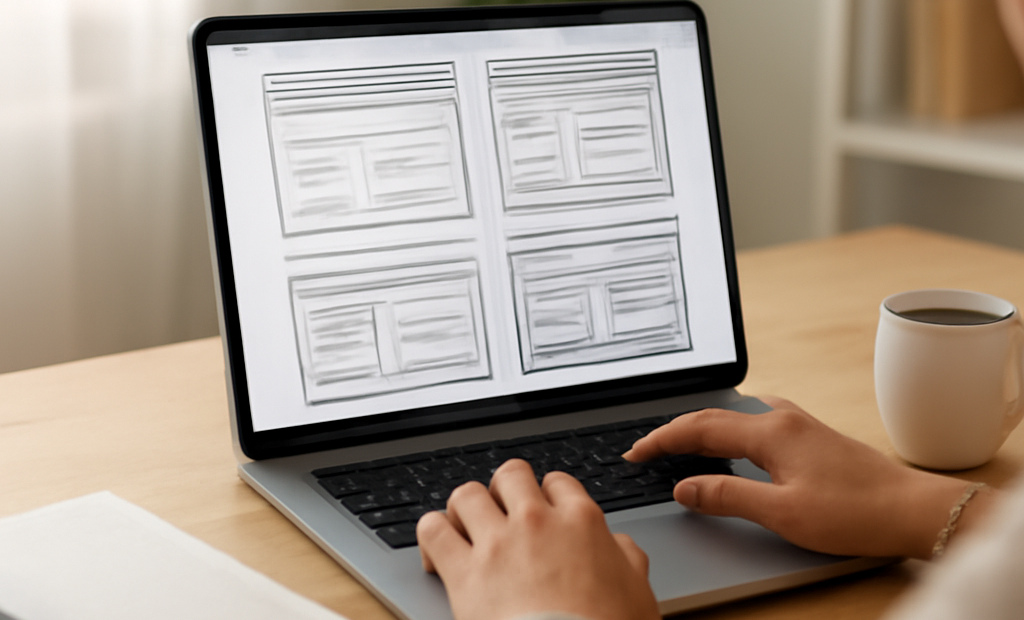
Once you know the purpose, map out your pages. This is often called the sitemap. A simple structure helps visitors find what they need and helps you build the site more efficiently.
Most websites start with a few core pages:
- Home
- About
- Services or Products
- Blog or Resources
- Contact
If your site is larger, you may need additional pages, categories, or subpages. Keep the structure logical and avoid adding unnecessary pages. A clear site structure improves usability and makes future updates easier.
3. Choose How You Will Build It
There are several ways to build a website from scratch, and the best choice depends on your skills, budget, and goals.
Website Builder
Website builders are beginner-friendly tools that let you create a site visually. They are fast to set up and require little technical knowledge. This is a good option if you want simplicity and speed.
Content Management System
A content management system, or CMS, gives you more flexibility. It is a strong choice for blogs, business sites, and content-heavy websites. You can manage pages, posts, and design elements with more control.
Custom Code
If you want full control and have development experience, you can build the site with HTML, CSS, JavaScript, and possibly a backend framework. This approach offers the most flexibility, but it also takes more time and technical skill.
If you are building your first website, start with the option that matches your current skill level. You can always upgrade later.
4. Register a Domain Name
Your domain name is your website’s address on the internet. It should be easy to remember, simple to spell, and closely related to your brand or topic.
When choosing a domain name, keep these tips in mind:
- Make it short and clear
- Avoid numbers and hyphens if possible
- Use a name that is easy to pronounce
- Choose a trusted domain extension, such as .com, .org, or a relevant local extension
Once you find a name that works, register it before someone else does.
5. Get Website Hosting
Web hosting is where your website files live. Without hosting, your website cannot be accessed by visitors online. For most sites, you will need a reliable hosting provider that offers good uptime, support, and room to grow.
When comparing hosting options, look at:
- Speed and performance
- Storage and bandwidth
- Security features
- Customer support
- Backup options
For small websites, shared hosting may be enough. For larger or more demanding sites, you may need managed hosting, VPS hosting, or cloud hosting.
6. Design the Layout and Visual Style
Design is more than making a site look attractive. Good design helps visitors understand your content, navigate easily, and trust your brand. Start with a clean layout and prioritize readability.
Focus on these design basics:
- Use consistent colors and fonts
- Keep plenty of white space
- Make navigation simple
- Use clear headings and short paragraphs
- Ensure buttons and links stand out
If possible, design mobile first. Many visitors will view your website on a phone, so the layout should work well on smaller screens before anything else.
7. Create Essential Content
Content is what gives your website value. Even the best design will not help if the content is unclear, thin, or unhelpful. Write each page with your audience in mind and focus on solving their needs.
Your content should be:
- Clear and easy to read
- Relevant to the page topic
- Organized with headings and short sections
- Optimized for search engines without sounding forced
Some websites also need supporting content such as FAQs, testimonials, case studies, image captions, or blog posts. If you are selling a product or service, make sure your copy explains the benefits, not just the features.
8. Add Functionality and Features
Once the core pages are in place, add the features your site needs. These may include:
- Contact forms
- Search tools
- Email signup forms
- Image galleries
- E-commerce tools
- Booking systems
Only add features that support your goals. Too many extra tools can slow the site down and make it harder for users to navigate.
9. Optimize for SEO
Search engine optimization, or SEO, helps people find your website through search engines. Basic SEO should be part of the build process, not an afterthought.
Start with these essentials:
- Use one clear title for each page
- Write unique meta descriptions
- Include headings in a logical order
- Use descriptive URLs
- Add alt text to images
- Link related pages together
Also make sure your content matches the search intent of your audience. If people are looking for instructions, give them step-by-step guidance. If they want a service, explain how you help and why they should trust you.
10. Test Everything Before Launch
Testing is one of the most important steps in building a website from scratch. A site that looks fine in one browser may break in another, or work on desktop but fail on mobile.
Before launch, check:
- All links and buttons
- Contact forms
- Mobile responsiveness
- Page speed
- Spelling and grammar
- Image loading
- Browser compatibility
It helps to ask someone else to review the site too. Fresh eyes can catch issues you may have missed.
11. Launch Your Website
Once everything looks good, it is time to go live. This usually means connecting your domain, publishing your pages, and making sure your hosting is properly configured. Double-check that your site is visible to search engines if you want it indexed.
After launch, share your website with your audience through email, social media, or other marketing channels. A launch is not the end of the process; it is the beginning of ongoing improvement.
12. Maintain and Improve It Over Time
A good website is never truly finished. Regular maintenance keeps it secure, fast, and useful.
Ongoing tasks should include:
- Updating plugins, themes, or software
- Backups
- Fixing broken links
- Refreshing outdated content
- Monitoring analytics
- Improving pages based on user behavior
As your goals change, your website should evolve too. You may add new pages, improve your messaging, or redesign sections based on feedback and performance data.
Final Thoughts
Learning how to build a website from scratch step by step is much easier when you follow a structured process. Start with a clear goal, plan your pages, choose the right platform, and focus on clean design and useful content. Then test carefully, launch confidently, and keep improving over time. With the right approach, you can build a website that looks professional and works well for your audience.
